

Small wedding website wording for small guest list details should be simple: tell invited guests exactly who is invited, whether plus-ones or children are included, how the RSVP works, and where to ask private questions. Keep the language short, warm, and practical so your website supports the invitation instead of turning your guest list into a public apology.
A wedding website is not the place to explain every hard guest-list decision. It is a details hub for the people who received an invitation. For a small celebration, the best wording quietly confirms the limits already shown on the envelope, RSVP form, and event page.
Think of the site as a polite support system. It should answer predictable questions before they land in your inbox, protect the intimacy of the day, and give guests enough clarity to respond without guessing. The tone can be gracious without being vague.
Recommended Wedding Products


You Might Also Like These Blog Posts
- Small Wedding Website Wording Ideas For A Tiny Guest List
- Small Wedding No Plus-One Website Wording For Named Guests
- Small Wedding Guest List Wording That Keeps Boundaries Kind
- Small Wedding Adults Only Website Wording Lines Parents Won’t Miss
- Small Wedding Invitation Wording Ideas That Feel Clear And Personal
- How To Keep Your Wedding Guest List Small Before It Spirals
How To Make Small Wedding Website Wording For A Small Guest List Feel Clear
Your website wording should begin with the guest experience, not the guest-list defense. People visit the site to confirm times, locations, attire, RSVP steps, lodging notes, registry details, and whether their invitation includes anyone else. If those answers are easy to find, the small guest list feels organized instead of mysterious.
Before you write the FAQ, decide what the invitation already communicates. If the envelope names one guest, the RSVP should not invite an open headcount. If children are not included, the RSVP should not list children as selectable guests. If the event is password-protected, the website should make access feel intentional, not secretive.
Use The Website To Support The Invitation
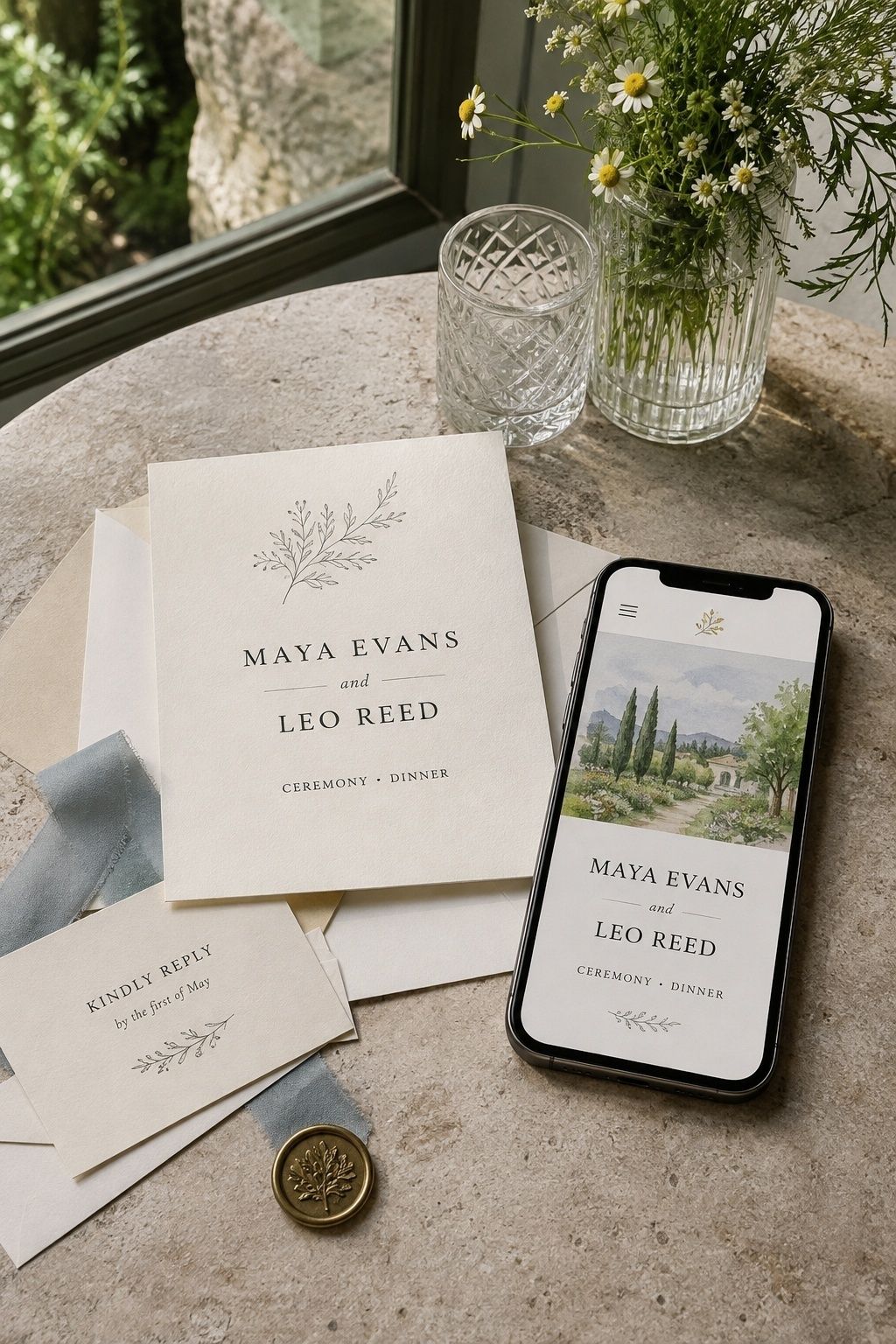
The invitation is the formal source of truth. The website supports it by repeating practical details in a softer, searchable place. Use the same names, counts, and event access that appear on the invitation suite. If you say “the guests named on your invitation” online, make sure the invitation actually names each invited person clearly.
For a small celebration, keep your small wedding website wording focused on practical details. The website can carry the explanations that feel too detailed for stationery, while the invitation stays elegant and focused on welcoming the people who are invited.
Build A Limited Guest List FAQ That Answers Real Questions
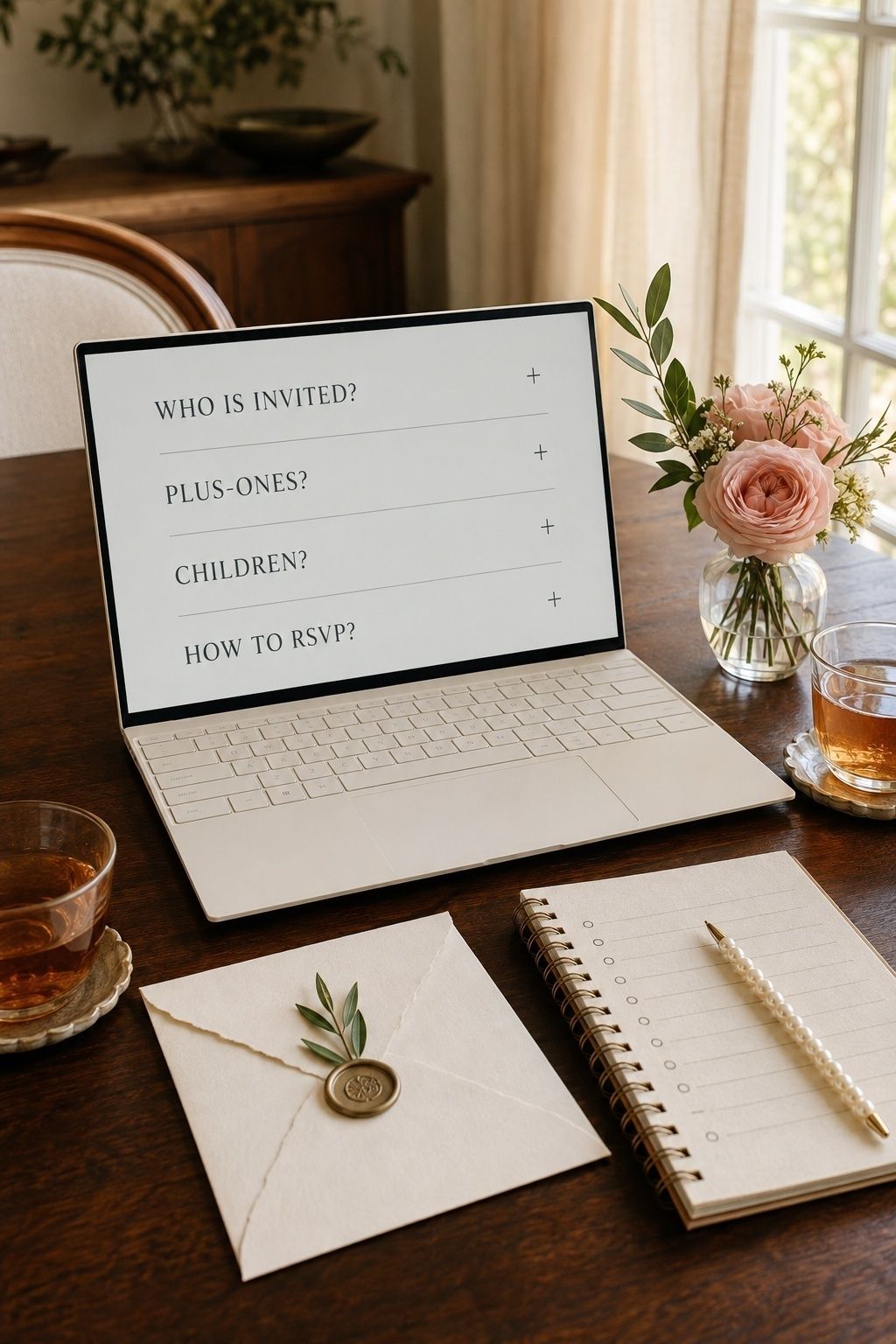
A limited guest list wedding website FAQ should answer only what invited guests need to act on. Good questions include whether the invitation is for named guests only, whether a plus-one is included, whether children are invited, how to RSVP, and whom to contact if something looks incorrect.
Do not make the FAQ a long explanation of budget, family politics, venue drama, or regret. A few specific answers are kinder than a public essay. For very tiny celebrations, write website wording for a tiny guest list that gives guests the answer and lets the subject rest.
Say Invited Guests Only Without Sounding Harsh
Invited guests only wedding website wording works best when it points back to the invitation rather than judging anyone’s assumptions. Try language like: “Because we are celebrating with a small guest list, we can only accommodate the guests named on each invitation.” That sentence is clear, closed-ended, and still warm.
If your site has separate event pages, keep private events visible only to the guests included. A welcome dinner, ceremony, after-party, or family brunch may not have the same guest count. Event access should match the invitation, so guests do not see details for something they were not asked to attend.
Handle Plus-Ones With Named Guest Language
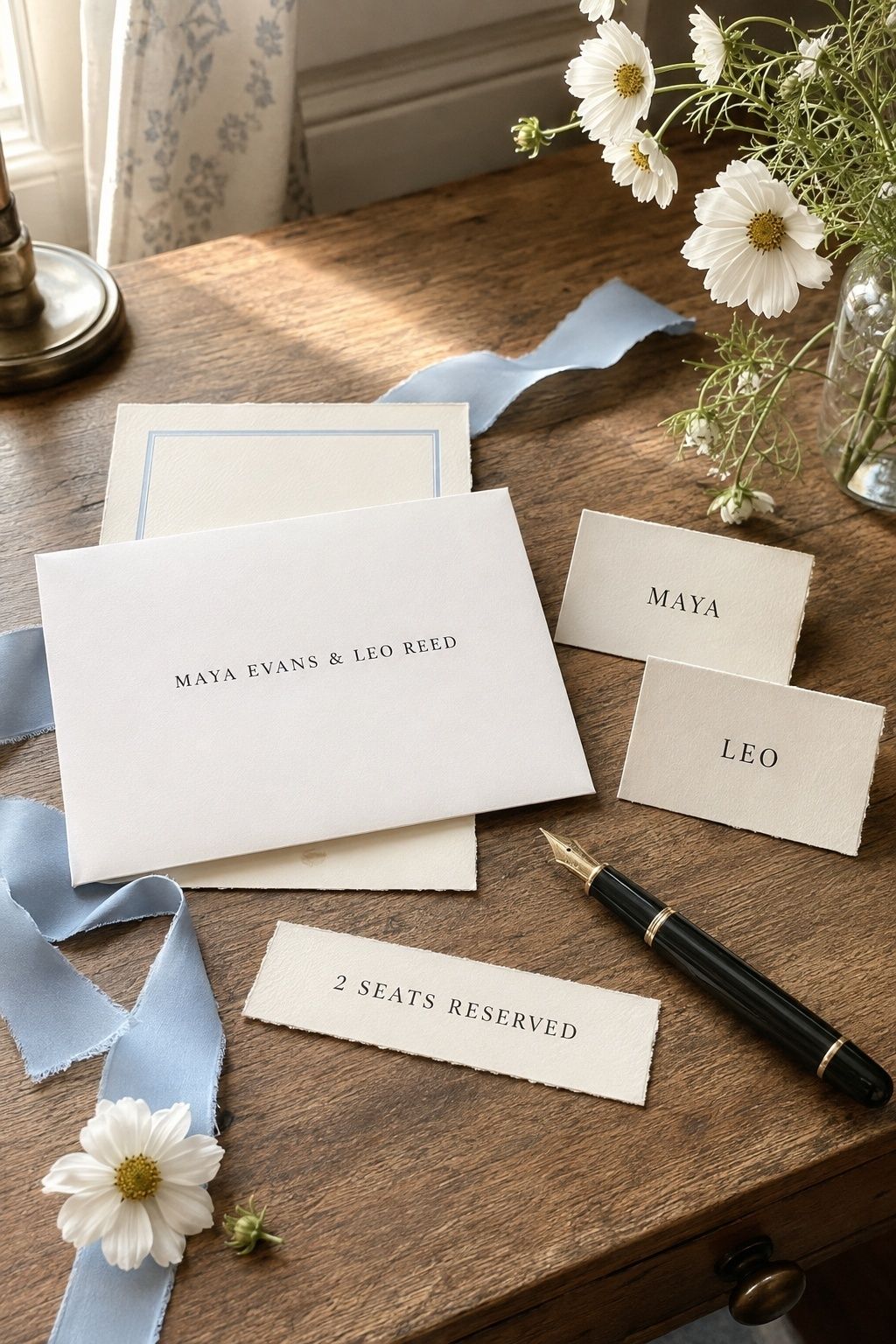
Small wedding no plus one website wording should avoid making single guests feel singled out. Instead of writing a blunt rule, connect the boundary to the invitation: “If your invitation includes a guest, their name will appear with yours. Otherwise, we have reserved a seat for you only.”
That wording also leaves room for named partners. A spouse, fiance, live-in partner, or long-term partner may be included by name even when open plus-ones are not. The important distinction is that you are managing a guest list, not offering each invitee an extra seat to fill later.
Make The RSVP Page Do Some Of The Work
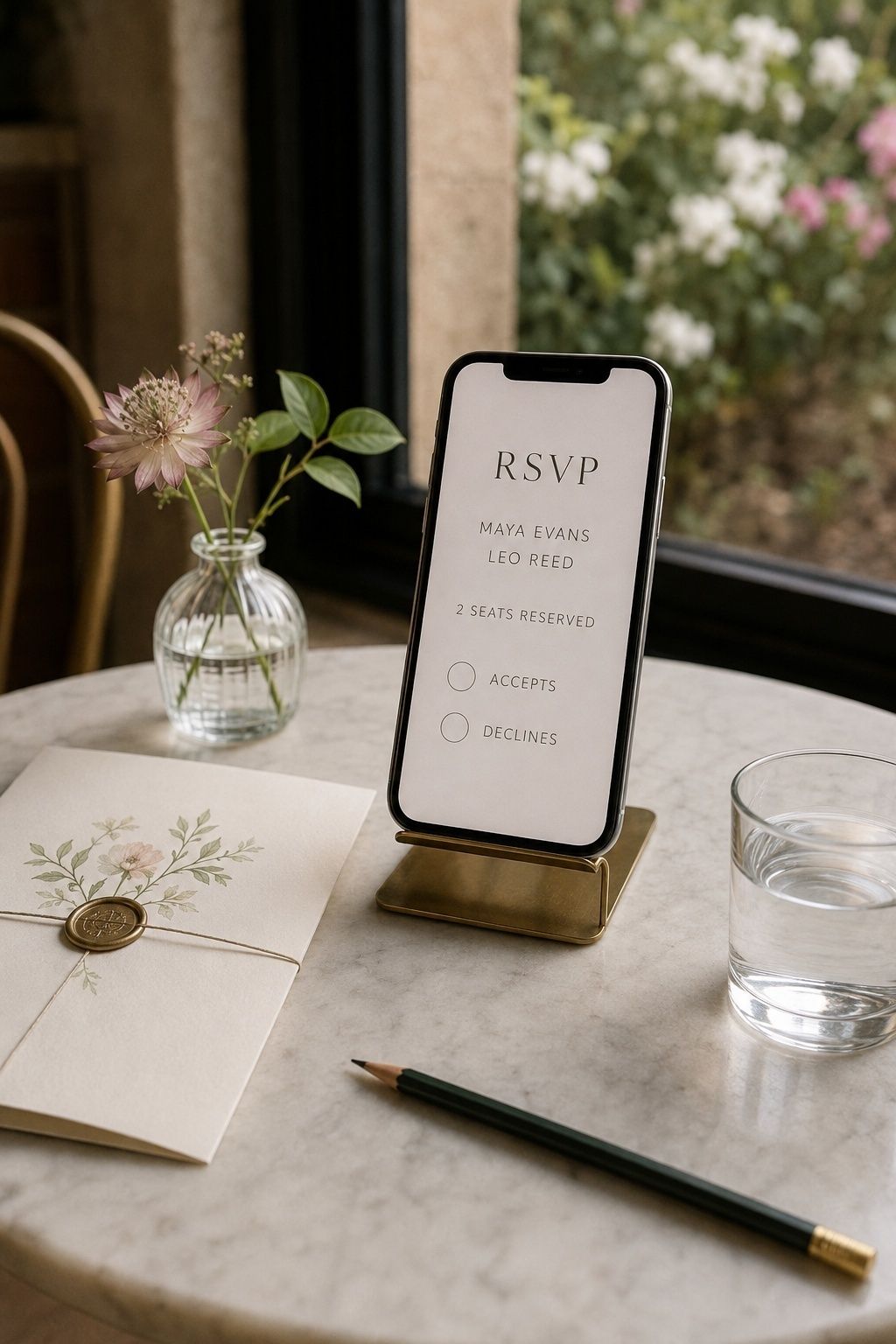
Small wedding RSVP website wording should match the form guests actually see. If one guest is invited, do not show a blank number-attending field. Use named RSVP entries, fixed seat counts, and meal selections tied to invited people only. The less the form invites improvisation, the fewer awkward corrections you will need later.
If you are using paper replies, use small wedding guest list wording on the details card and RSVP card so both pieces reinforce the same message. For online RSVPs, check every setting before the site goes live, especially guest editing, additional-name fields, and household grouping.
Word Adults-Only Details As A Hosting Limit
Small wedding adults only website wording should be practical and kind. Use a sentence such as: “With the exception of children named on specific invitations, our wedding celebration will be adults-only.” If you are making no exceptions, write: “Our ceremony and reception will be adults-only, and we appreciate you making arrangements in advance.”
Keep child-related wording separate from plus-one wording so guests do not confuse the two policies. A partner question and a childcare question are different. If children are included for immediate family only, be precise and make sure the RSVP options reflect that choice.
Keep Event Access Aligned With The Guest List
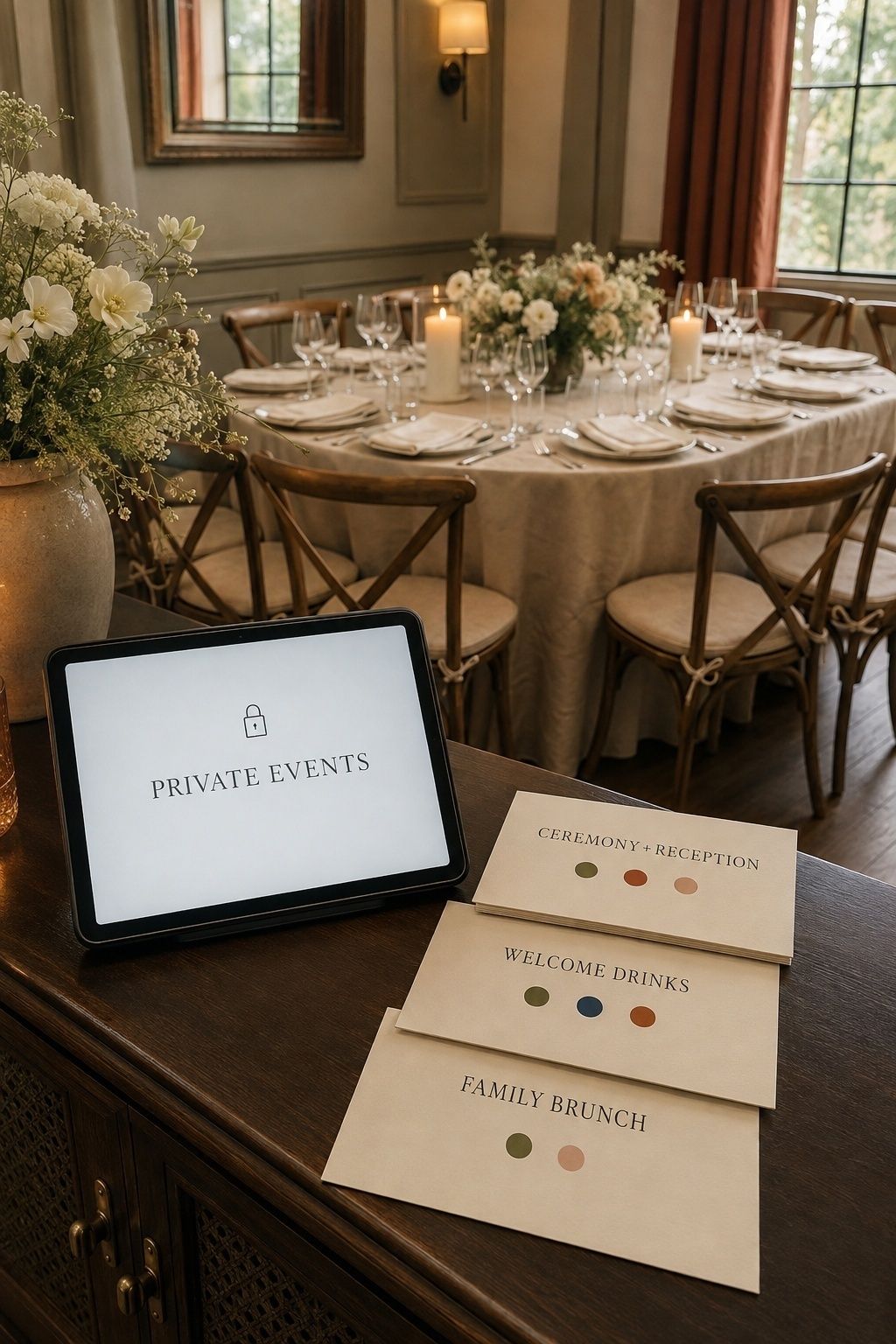
For a small wedding, event access can prevent many misunderstandings. Password-protecting the site, limiting RSVP lookup to invited names, and hiding private-event details from guests who are not included can all make the website feel cleaner. The goal is not secrecy. It is reducing confusion around who is invited where.
If you have multiple events, label them plainly: ceremony and reception, welcome drinks, family brunch, or after-party. Then make sure the RSVP form only displays the events each guest is invited to attend. This is especially important when the ceremony is tiny and a larger reception happens later.
Leave The Hardest Guest List Details Off The Website
What you leave off the website matters as much as what you include. Avoid budget explanations, comparisons between invited and uninvited people, apologies that invite reassurance, jokes about random dates, and family-specific reasoning. Public copy should not reveal who did not make the list or why.
If you are still deciding how to keep your wedding guest list small, finish that planning before guests can see the website. Once the site is live, the language should feel settled, considerate, and ready for action.
Move Sensitive Questions Into Private Conversations

Your website can say where to send private questions without opening public debate. Add a simple line near the RSVP details: “If your invitation details look incorrect, please contact us directly before submitting your RSVP.” That gives guests a route for real mistakes without suggesting every boundary is negotiable.
Prepare one private reply for plus-one, child, and extra-guest requests. Keep it brief, consistent, and kind. If the answer is no, repeat the guest-list limit rather than adding new explanations. Too much reasoning can accidentally turn a clear boundary into a conversation about exceptions.
Separate Registry Details From Guest List Boundaries
Gift and registry language should not sit beside guest-list apologies. If the registry page follows a long explanation about limited seats, the tone can feel transactional, even when you do not mean it that way. Keep registry information simple, optional, and separate from the FAQ section about invitations.
A gentle registry note might say that guests’ presence is the greatest gift, followed by the registry link for anyone who has asked. Let the guest-list FAQ handle attendance boundaries, and let the registry page handle gifting. Mixing the two can make both sections feel more awkward.
FAQ
What Should A Wedding Website Say About A Small Guest List?
It should say who the invitation includes, how to RSVP, whether plus-ones or children are included, and where guests can ask private questions. Keep the wording brief and practical. A wedding website should support invited guests with clear details, not explain every reason the guest list is small.
How Do You Explain A Limited Guest List On A Wedding Website?
Use one calm sentence tied to the invitation: “Because we are celebrating with a limited guest list, we can only accommodate the guests named on each invitation.” Then stop. Guests need the boundary and the next action, not a long account of venue size, budget, or family decisions.
Should A Wedding Website Say Invited Guests Only?
Yes, if guests may otherwise assume they can add someone. The phrase works best inside a warm FAQ answer, not as a warning across the homepage. Say that the celebration is limited to the guests named on each invitation, and make sure the RSVP tool prevents extra names from being added.
How Do You Word No Plus-Ones On A Wedding Website?
Write: “If your invitation includes a guest, their name will appear with yours. Otherwise, we have reserved a seat for you only.” This keeps the focus on named invitations rather than relationship status. It also avoids sounding like a public correction directed at single guests.
How Do You Word Adults-Only Details On A Small Wedding Website?
Use direct, gracious wording: “Our ceremony and reception will be adults-only, and we appreciate you making arrangements in advance.” If a few children are invited, clarify that only children named on invitations are included. Keep the adults-only note separate from plus-one wording so guests understand each boundary.
What Should You Avoid Saying About A Small Guest List Online?
Avoid budget complaints, public apologies, jokes about unwanted dates, comparisons between guests, and detailed explanations of who was not invited. Those details can make people feel ranked or debated. Keep the website focused on logistics, and save sensitive relationship conversations for direct messages or calls.
Final Thoughts
Small guest list wedding wording works best when every piece of communication supports the same plan. Name the invited guests clearly, set the RSVP tool to match those names, answer predictable questions in a short FAQ, and keep sensitive details private. That combination gives guests clarity without making your celebration feel closed off.
When your wording is finished, let it support a simple truth: you can host a very small wedding with warmth, firmness, and care when the invitation, RSVP settings, website FAQ, and private guest-list conversations all point guests toward the same answer.
Last update on 2026-10-03 / Affiliate links / Images from Amazon Product Advertising API