

The most common wedding website mistakes happen when the site looks lovely but does not answer guest questions quickly. Your website should make the RSVP path obvious, confirm the date and venue, explain dress code and travel details, protect private information, and answer the questions guests would otherwise text you about.
A wedding website should feel like a calm little front desk for the people you invited. It does not need every photo, every memory, or every side event. It needs the details guests are looking for when they are holding a phone, juggling travel plans, checking the invitation, and wondering what they are supposed to do next.
For a small or intimate wedding, that clarity matters even more. The website may need to quietly explain who is invited to which moment, how RSVPs work, what the day feels like, and which assumptions guests should not make. A beautiful page is nice. A page that reduces follow-up texts is better.
Recommended Wedding Products


You Might Also Like These Blog Posts
- What To Put On A Small Wedding Website So Guests Stop Texting You
- Wedding Invitation Mistakes That Make Guests Guess
- Small Wedding Website Wording Ideas For A Tiny Guest List
- Small Wedding Website Wording For A Small Guest List
- Wedding Registry Mistakes That Make Gift-Giving Awkward
- How To Write A Wedding Dress Code Guests Can Actually Use
Wedding Website Mistakes Guests Notice In The First Two Taps
Think of your website as a two-tap test. When a guest opens it, they should be able to confirm the wedding date, find the RSVP, check the location, and understand the biggest expectations without digging through pretty extras. Anything harder creates work for both sides.
Before you write every page, choose a tone that sounds warm, direct, and specific. Then build the site around the practical questions people ask when they are deciding what to wear, how to travel, whether their children are included, and how quickly they need to answer.
Burying The RSVP Button Where Guests Miss It

The RSVP is the action guests came to complete, so hiding it behind a menu, long story section, or tiny footer link creates immediate friction. On mobile, that friction turns into postponing, guessing, or texting the couple to ask where the response form lives.
Place the RSVP action high on the homepage, repeat it in the navigation, and make the deadline visible. If different guests have different invitations, make sure the RSVP flow reflects that privately instead of asking guests to decode a long public explanation.
The same rule applies to response wording. Shape your confirmation language so it tells guests exactly how many people are included, when to respond, and what to do about meals or accessibility needs.
Leaving Date, Time, Venue Address, Or Map Details Unclear
A confusing wedding website often fails on the obvious details first. Guests should not have to cross-check the invitation, search the venue name, or ask whether the ceremony and reception share the same address. They need the date, ceremony time, arrival guidance, venue name, full address, and parking or drop-off details in plain sight.
If the venue has multiple entrances, similar location names, limited parking, rural directions, security gates, or a shuttle pickup point, say so directly. Add the address as text, not only as an embedded map, because phones, accessibility tools, and travel apps may handle embedded maps differently.
Making The Homepage About Photos Instead Of Key Information
Your photos and story deserve space on the site, but they should not crowd out the information guests came to find. A homepage that opens with a long gallery, a dramatic love story, or decorative animation may feel personal to the couple while making guests scroll past the date, city, and RSVP.
Keep the first screen practical: names, wedding date, city or venue, RSVP button, and one short welcome message. Put the fuller story lower on the page or on a separate page for guests who want it. The goal is not to make the site less romantic; the goal is to make romance easier to attend.
Forgetting Dress Code, Weather, Parking, Accessibility, Or Transportation
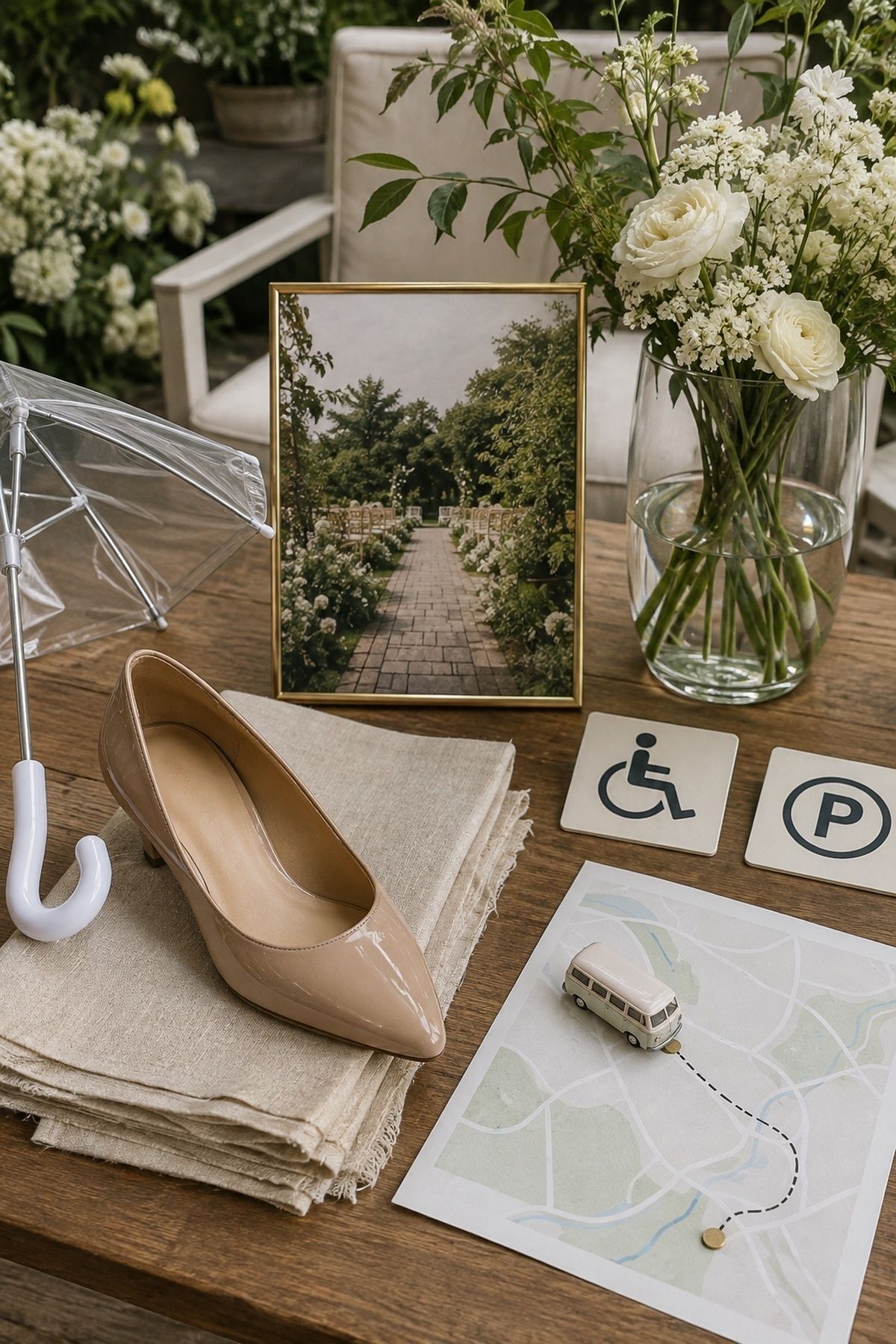
Guests ask about dress code because they want to respect the event and feel comfortable. They ask about weather, parking, accessibility, and transportation because those details affect whether they arrive calm or flustered. Leaving them out creates the kind of wedding website mistakes guests remember on the actual day.
Write the dress code in everyday language. Mention terrain, ceremony surface, expected temperature, outdoor timing, coat check, shuttle plans, ride-share limitations, parking fees, stairs, elevators, and any walking distance. For a compact celebration, keep the wording gracious while still giving guests enough practical direction.
Being Vague About Plus-Ones, Children, And Who Is Invited
Small weddings need invitation boundaries that are kind but unmistakable. If the website hints instead of clarifies, guests may assume a date, a child, a sibling, or a casual plus-one is included. Then the couple has to correct that assumption later, which feels much more awkward than stating it clearly from the beginning.
Set the RSVP form to show only the names invited, then add a short FAQ answer about guest count limits. Keep the reason simple: the celebration is intimate, and the named guests on the invitation are the guests included. For plus-one boundaries, write one direct line before the website goes live.
For an adults-only celebration, write the children policy clearly so guests understand the limit before they make travel or childcare plans.
Posting Private Events That Not Everyone Is Invited To
A wedding website is not the place to publicly list every shower, rehearsal dinner, farewell brunch, family dinner, or wedding-party gathering. When guests see events that do not apply to them, they may feel excluded or unsure whether they missed an invitation.
Keep private events off the public pages unless the site has guest-specific visibility. Send those details directly to the people invited. For intimate weddings, this protects the smaller guest list and keeps the main website focused on the celebration everyone on the list actually needs to understand.
Making Registry Information Awkward, Hidden, Or Too Long
Registry information fits naturally on the wedding website, but it should not become the loudest part of the site. Guests expect to find it easily when they are ready, and they also expect the tone to feel appreciative rather than demanding.
Add one registry page or section, write a short thank-you message, and link to the registry options without a long explanation of why each item matters. If you prefer cash funds, honeymoon funds, or no boxed gifts, keep the wording simple and polite. Wedding registry website etiquette is mostly about clarity, gratitude, and proportion.
Skipping Hotel Blocks, Travel Details, Or Destination Details
Traveling guests need more than a venue address. They need hotel block deadlines, room names, booking links, airport suggestions, transportation details, local timing, welcome-event boundaries, and any destination-specific cautions that affect packing or arrival.
If your wedding is small, do not assume guests will simply ask the couple directly. That is exactly the flood of messages the site should reduce. Add deadlines, links, travel windows, and contact paths before the invitations send, then update them as blocks close or shuttle plans change.
Writing A FAQ That Does Not Answer Real Guest Questions
Wedding website FAQ mistakes usually happen when couples copy generic prompts instead of answering their own guests. A useful FAQ should cover the questions your people will actually ask: What time should I arrive? Are kids invited? Is there a shuttle? What should I wear? Is a date included? Where should I stay? Is the ceremony outdoors?
Before publishing, scan your recent texts and family conversations. Any repeated question deserves a website answer. Keep each answer short, direct, and warm. If a topic requires nuance, say enough to prevent confusion, then give one private contact path for anything truly personal.
Forgetting Privacy, Passwords, Personal Contact Info, And Search Visibility

Wedding website privacy mistakes matter because the site may include names, dates, locations, travel plans, family details, hotel information, registry links, and timing. Even a sweet website is still public information if it is searchable and unprotected.
Consider a password, especially for a private venue, home wedding, destination weekend, high-profile guest list, or intimate celebration where not every related event is open to everyone. Avoid posting personal phone numbers, home addresses, private family schedules, or anything you would not want shared beyond invited guests.
Letting The Site Go Stale After Plans Change
A stale website is worse than a sparse one because guests trust it. If the shuttle time, hotel block, ceremony start, dress code, parking plan, menu request deadline, or weather plan changes, the site has to change too. Otherwise guests may follow old instructions on the day you most need everyone aligned.
Assign one person to own website updates, then keep a simple change log in your planning binder. After every vendor meeting, venue call, or invitation decision, ask whether the website needs an update. This habit takes minutes and prevents hours of repeated explanations later.
Sharing The Link Before Testing It On Mobile

Most guests will open the website on a phone, so desktop-only testing misses the real experience. A mobile page might hide the RSVP button, shrink the menu, crop the map, bury the FAQ, or make registry links hard to tap.
Run a two-tap guest audit before sharing the link. Hand your phone to someone who has not been staring at the site for weeks and ask them to find the RSVP, venue address, dress code, hotel details, registry, FAQ, and plus-one or children policy. Any hesitation tells you what to fix.
Then check every link, every form, every menu, and every email confirmation. If you are adding a website line to printed pieces, give guests clear invitation wording that tells them where to respond and why the site has the latest details.
FAQ
What are common wedding website mistakes?
Common wedding website mistakes include hiding the RSVP, leaving out venue or timing details, writing vague dress code guidance, failing to explain plus-ones or children, posting private events publicly, burying registry information, skipping travel details, copying generic FAQ answers, ignoring privacy, and forgetting mobile testing.
What should you not put on a wedding website?
Do not put private events, sensitive personal contact details, home addresses, family-only schedules, password hints, or invite-tier information on a public wedding website. If only some guests need a detail, send it privately or show it only through guest-specific settings.
What information do guests need on a wedding website?
Guests need the date, start time, venue name, full address, RSVP deadline, dress code, parking, transportation, hotel or travel details, registry location, plus-one and children guidance, accessibility details, meal or dietary instructions, and a concise FAQ for the questions your specific guest list is likely to ask.
Should a wedding website be password protected?
A wedding website should be password protected when it includes private locations, travel details, intimate guest-list boundaries, home addresses, or event information meant only for invited guests. Even when it is not password protected, avoid posting sensitive information publicly.
How do you avoid confusing guests?
Avoid confusing guests by making the RSVP easy to find, keeping navigation short, writing plain answers, repeating essential deadlines, adding full addresses, testing on mobile, and updating the site whenever plans change. Ask one outsider to complete a quick two-tap audit before you share the link.
Should registry information go on the wedding website?
Registry information works well on the wedding website when the tone is simple and grateful. Give guests a clear place to find it, but do not make gifts the focus of the homepage or stretch the section into a long explanation.
What should a wedding website FAQ include?
A wedding website FAQ should include arrival time, dress code, parking, transportation, hotel deadlines, outdoor or weather details, children and plus-one guidance, dietary needs, accessibility, registry basics, RSVP troubleshooting, and any venue-specific details guests need before they travel.
Final Thoughts
The best wedding website is not the fanciest one. It is the one that answers real guest questions before they become texts, guesses, or awkward assumptions. Start with the two-tap audit: RSVP, date, place, dress code, travel, registry, privacy, and FAQ. When guests find those quickly, your site is already doing its job.
Before you share the link, walk through the site like a guest who knows almost nothing, tighten fuzzy wording, remove private details, and confirm that RSVP, travel, registry, privacy, and FAQ pages work smoothly on a phone. A final calm scan protects the parts guests will rely on most.
Last update on 2026-10-04 / Affiliate links / Images from Amazon Product Advertising API